You are a destination.
To reach you, someone first has to get through the gate you build. Effort is the filter for intent.
- App StoreComing soon
- Google PlayComing soon
How it works
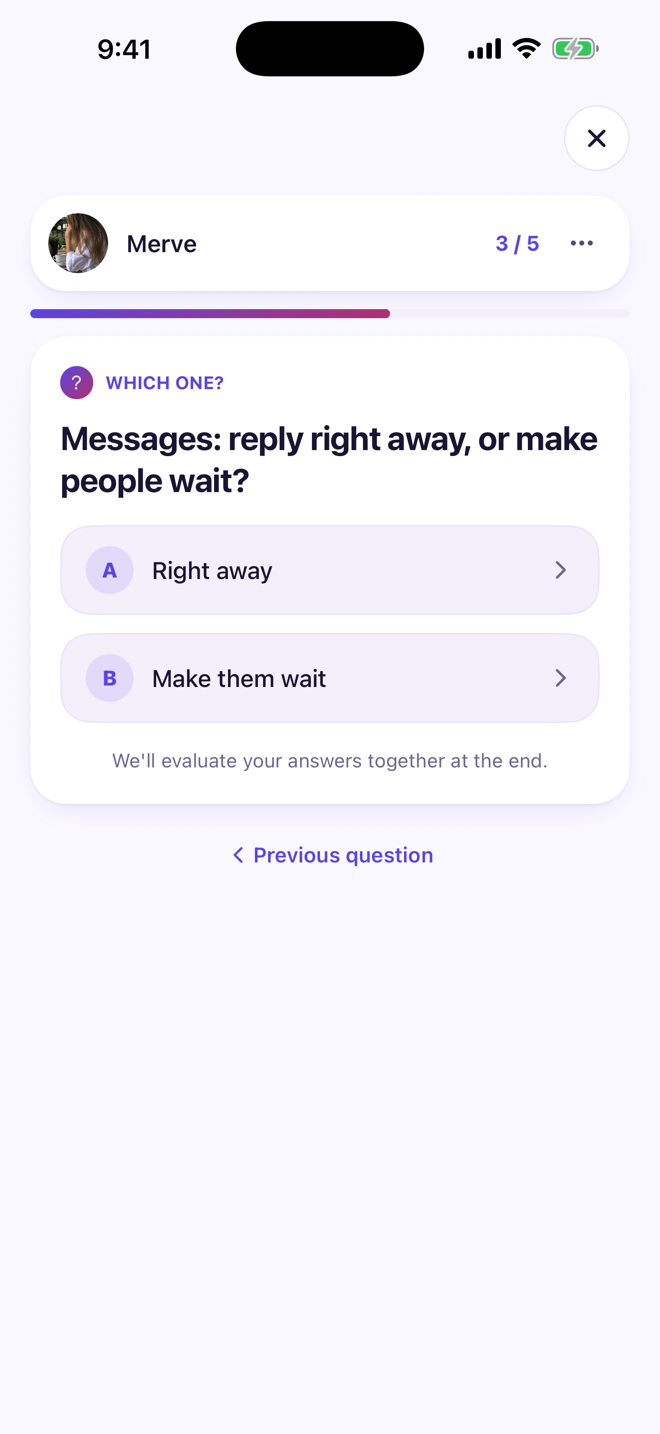
Build your gate
Pick the questions anyone who wants to reach you has to answer, and mark the right answers.
Let the curious solve it
Anyone who wants to message you answers your gate’s questions first. Get them all right and you’re through.
Talk to who made it
A chat opens with the person who passed your gate. Effort gets in; random messages don’t.
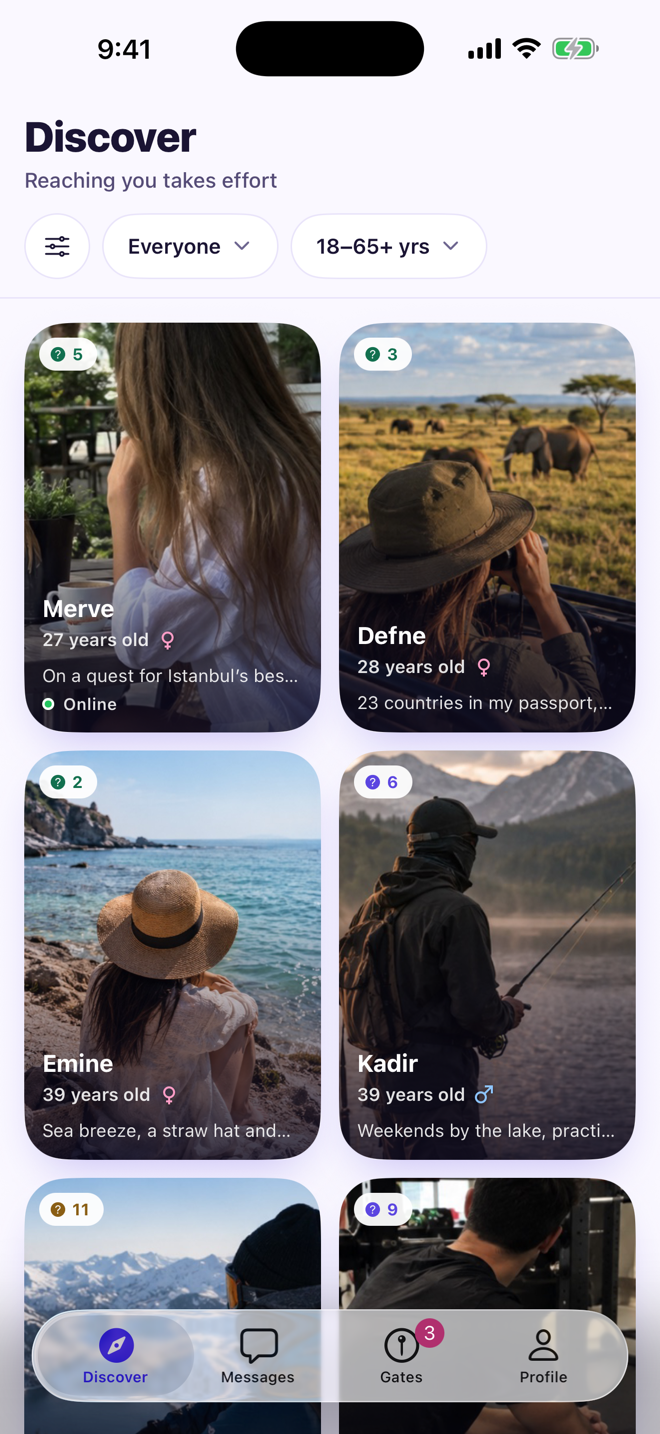
Discover
See people near you; every profile shows how many questions their gate has. You choose whose gate to try.
Solve the gate
Answer the questions, pass, and send a message. If you miss, nobody tells you which answer was wrong — and the owner can give you another chance.
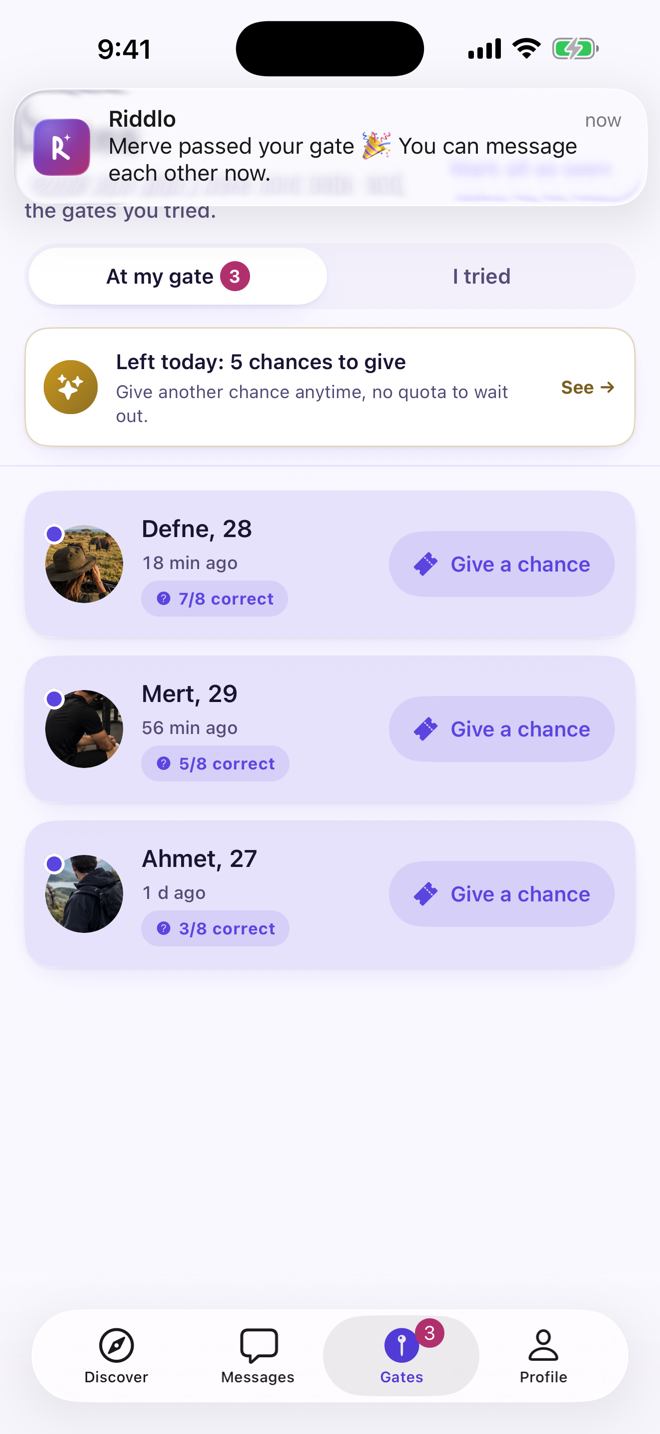
At the gate
See who tried your gate and how many questions they got right. Know the moment someone gets through.
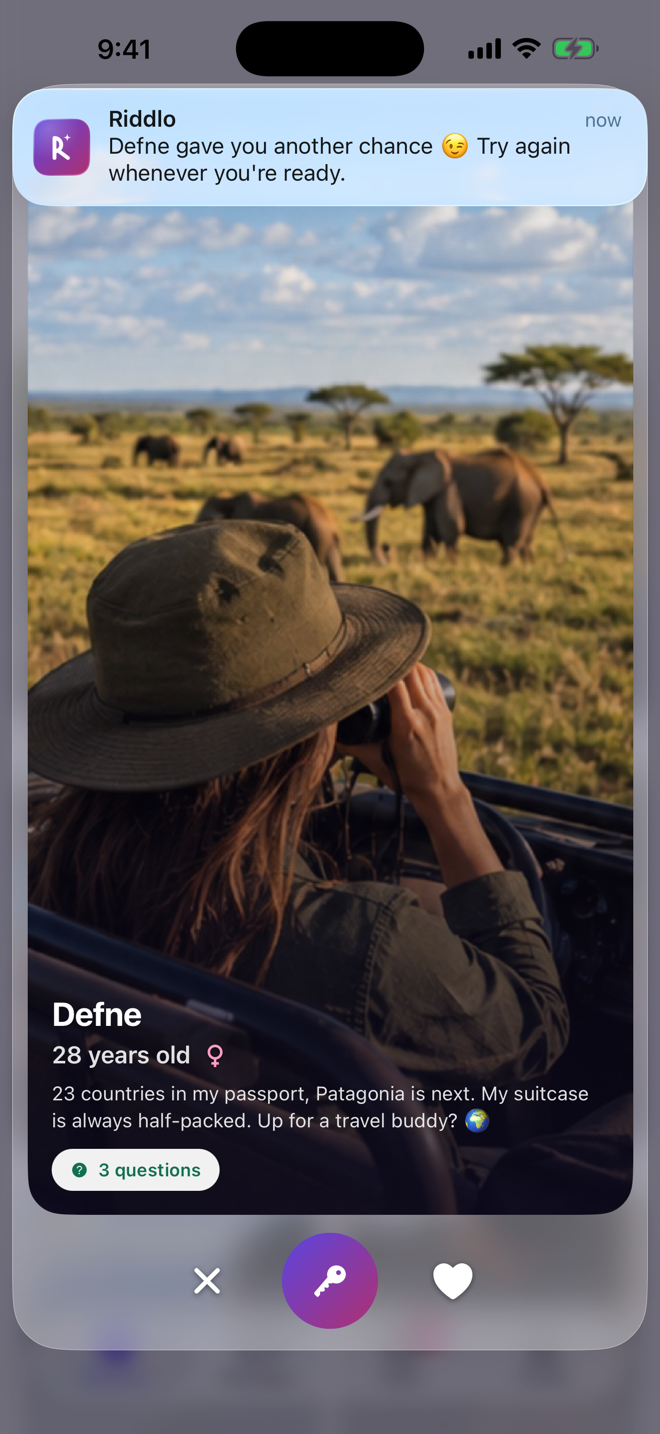
Another chance
Give someone who missed — but caught your eye — another try with one tap. They hear about it in a notification.
Images are for illustration only.
Likes and visitors
Keep track of who liked you and who viewed your profile.
Chat
Message the people who passed your gate; send photos and reply to messages.
Your safety comes first
Adults only
Riddlo is for adults; nobody under 18 can sign up.
Your location stays private
Neither your district nor your exact location is ever shown — others only see “Nearby” or “Same city”, and you can turn that off too.
Block and report
Block anyone who bothers you in one tap, or report them to us.
You control visibility
Hide your last seen, and close your gate whenever you like.
Premium
You can do everything on the free plan; Premium lifts the limits.
- Unlimited gate attempts, likes and chances
- See who liked you, unblurred
- Extra filters in Discover
- A Premium badge on your profile
Frequently asked questions
Is Riddlo free?
Yes. There are some daily limits; Premium removes them.
What if I don’t pass a gate?
The owner can give you another chance. Nobody is shown which answer you got wrong.
Can I write my own questions?
You build your gate from ready-made questions. Have another one in mind? Send it with “Suggest one” while building your gate — if it fits, we add it for everyone to pick.
How do I delete my account?
In the app under Settings > Account, or without the app on the “Delete your account” page below.